Describe your song
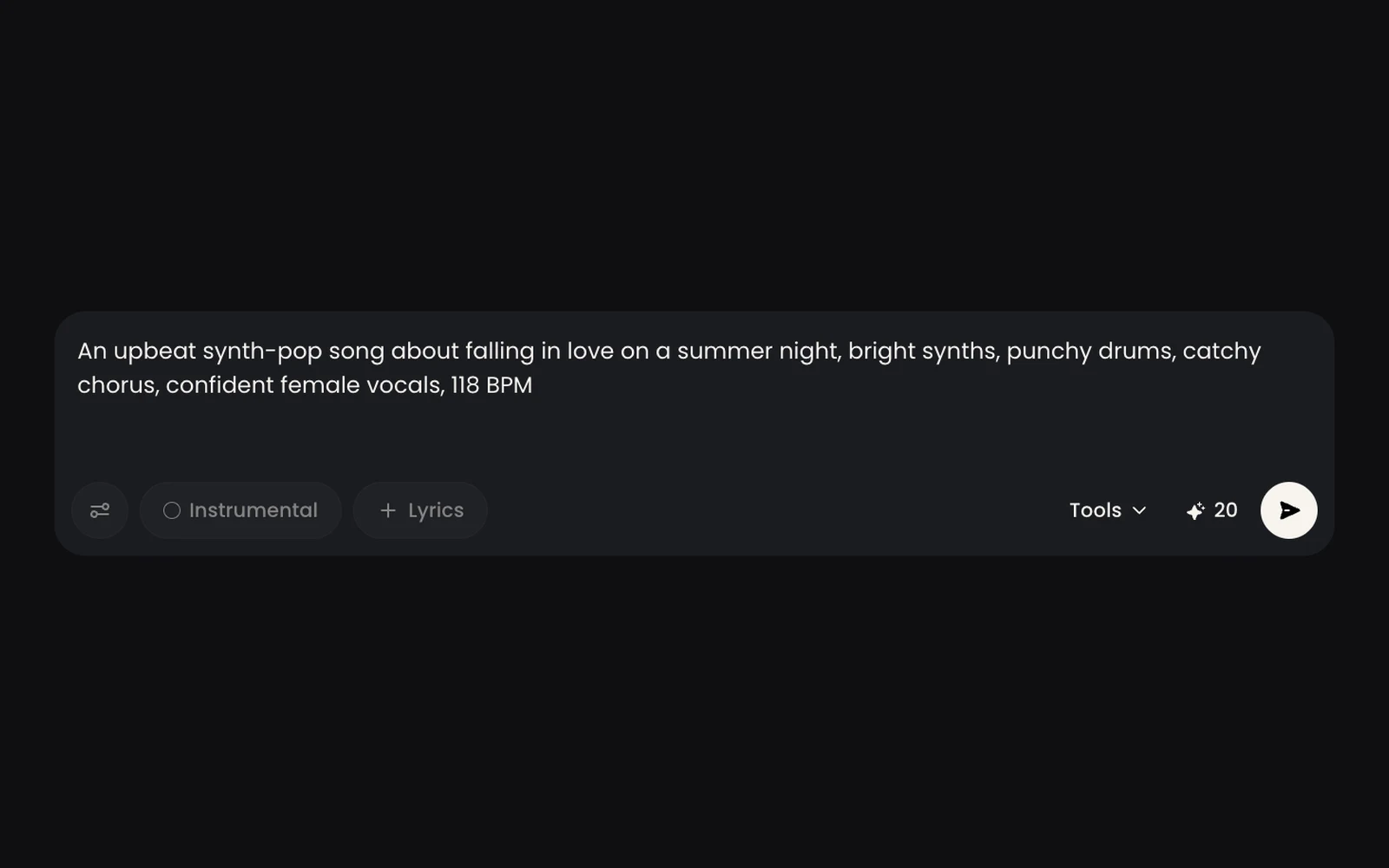
Write up to 500 characters about the genre, mood, instruments, tempo, and topic, such as "upbeat acoustic pop about a summer road trip, 110 BPM, female vocals."

Turn a text prompt or your own lyrics into full songs with vocals, or instrumental background music, with SongGPT’s AI music generator. Hover any example below to see the prompt behind it, then start from the same setup.

Pop
An upbeat synth-pop song about falling in love on a summer night, bright synths, punchy drums, catchy chorus, confident female vocals, 118 BPM
Use This Prompt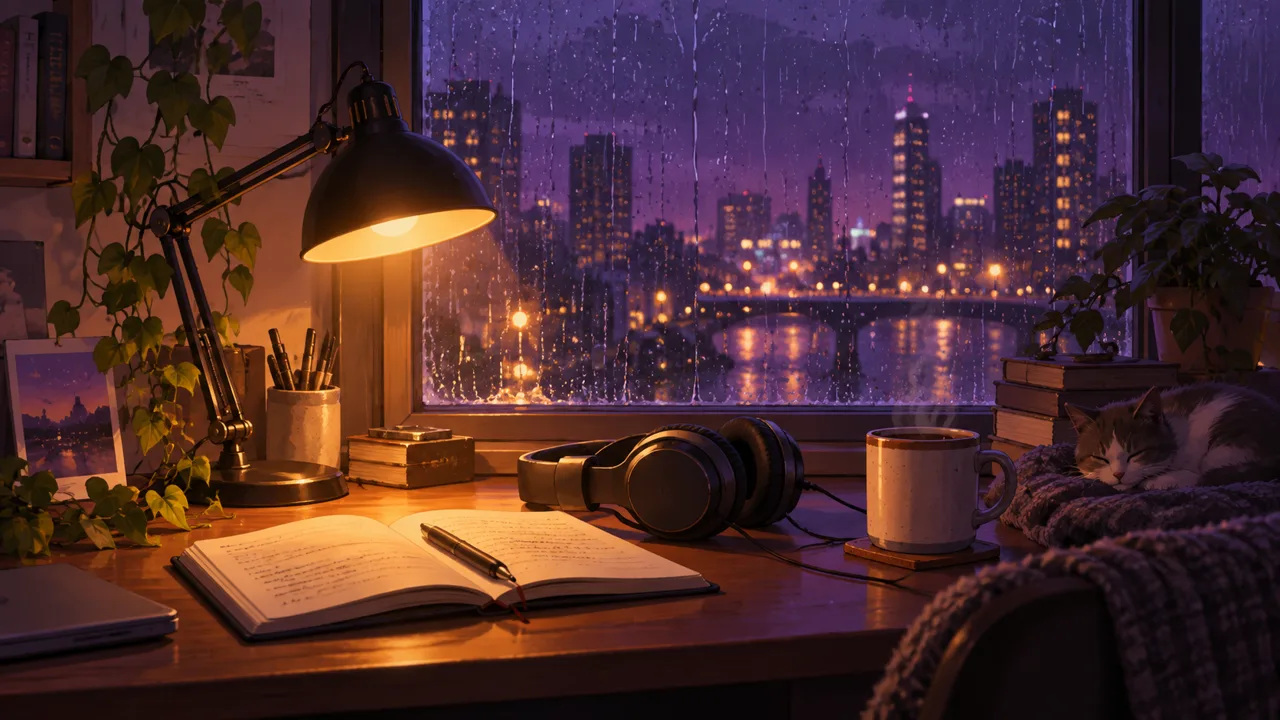
Lo-fi
chill lo-fi hip hop, warm Rhodes piano, dusty vinyl crackle, soft boom-bap drums, mellow bass, rainy night study mood, 75 BPM
Use This Prompt
Hip hop
A confident hip hop track about chasing big dreams in a small town, hard-hitting 808s, dark piano loop, male rap vocals with a catchy hook, 90 BPM
Use This Prompt
Rock
An energetic indie rock anthem about a late-night road trip with friends, driving electric guitars, live drums, raspy male vocals, big shout-along chorus, 130 BPM
Use This Prompt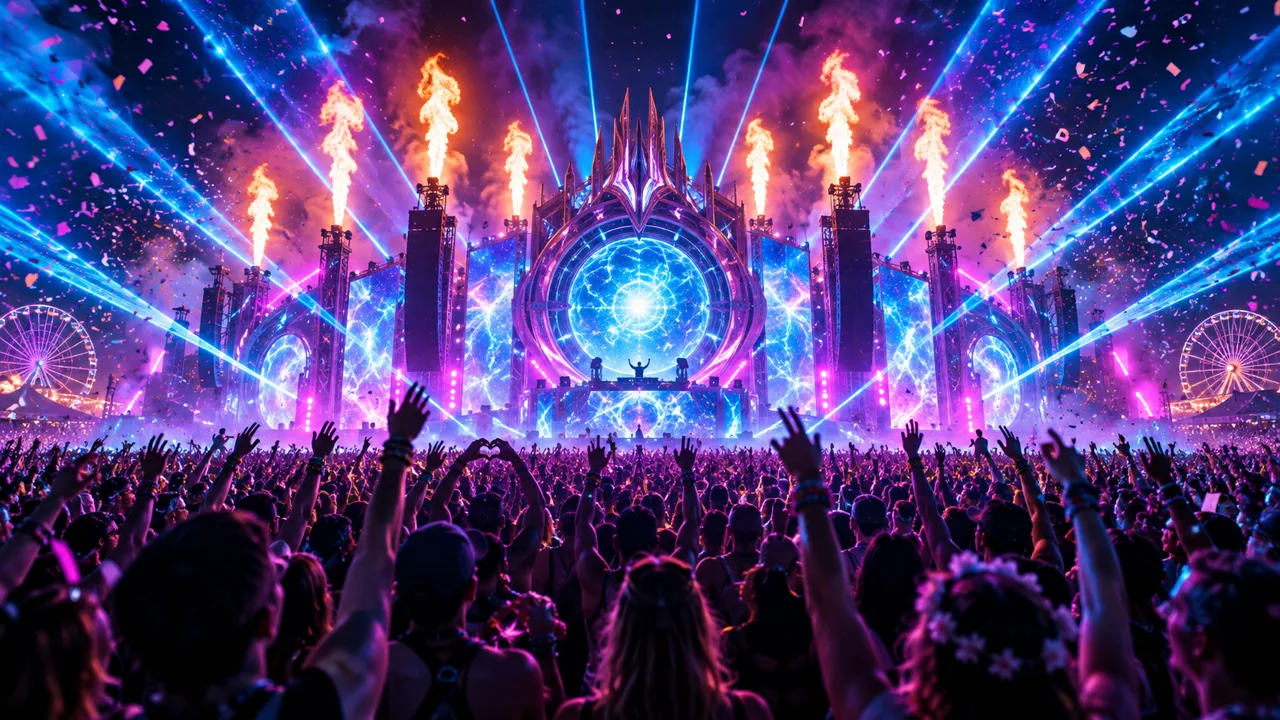
EDM
A euphoric EDM festival track with a rising synth build, a big supersaw drop, four-on-the-floor kick, and an uplifting female vocal hook, 128 BPM
Use This Prompt
Cinematic
epic cinematic orchestral score, soaring strings, powerful brass, choir, thundering taiko drums, slow build to a heroic climax, fantasy trailer
Use This PromptGo from an idea to a finished song in four steps. No music experience needed.
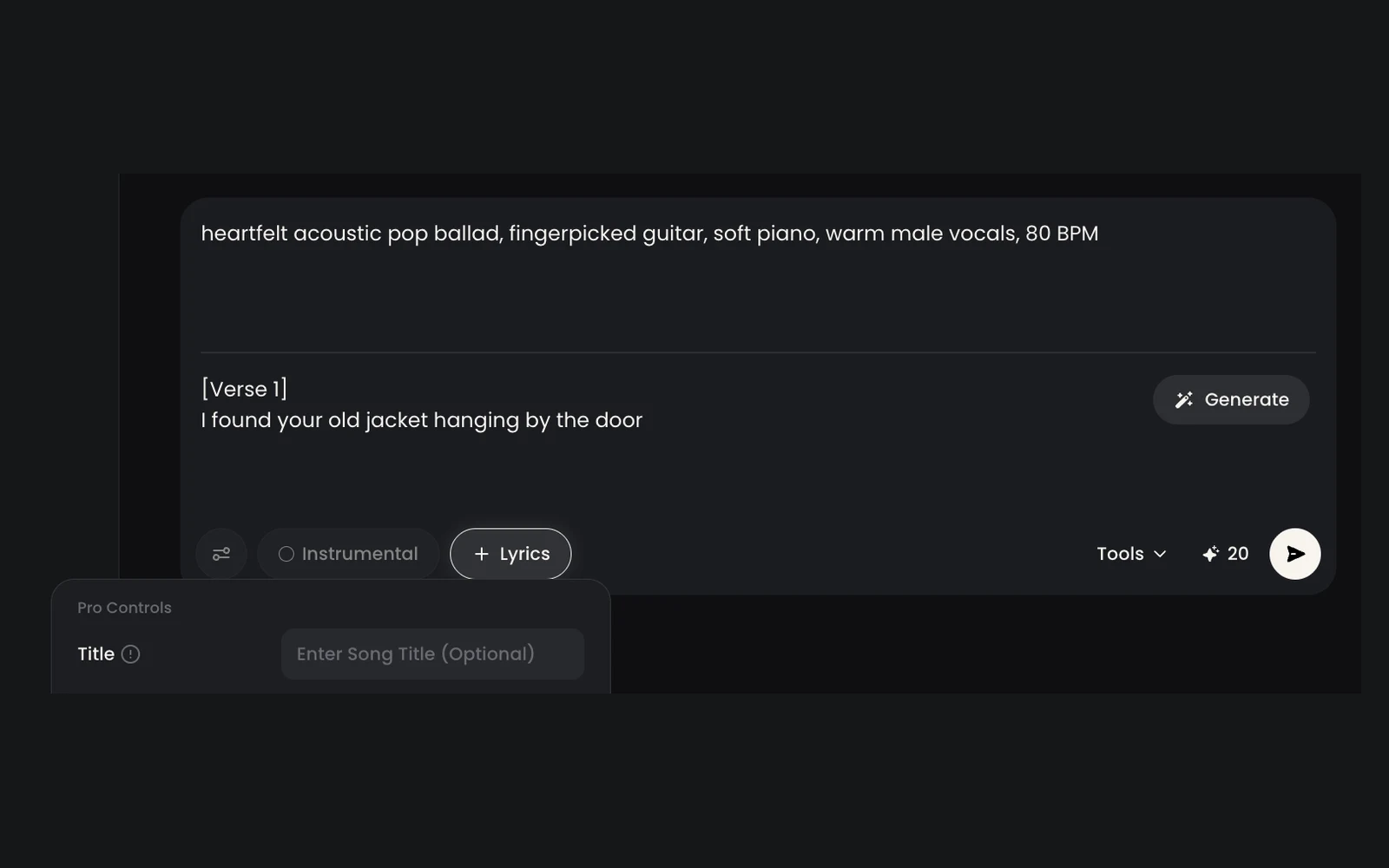
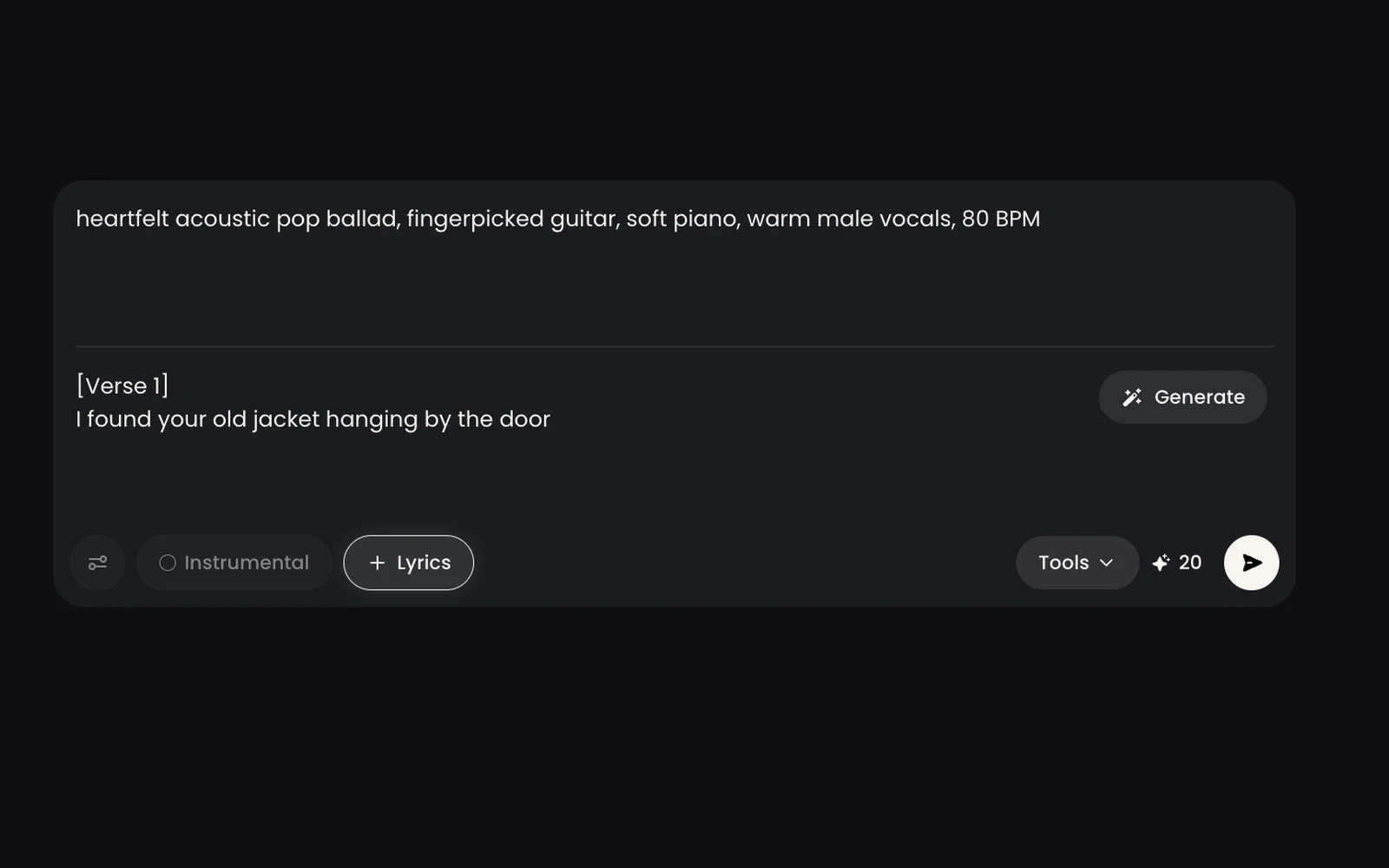
Write up to 500 characters about the genre, mood, instruments, tempo, and topic, such as "upbeat acoustic pop about a summer road trip, 110 BPM, female vocals."
Turn on Lyrics to paste up to 5,000 characters of your own words, or turn on Instrumental for music without vocals. Either way, the description box becomes a 1,000-character style box. Use Generate Lyrics if you need a draft.
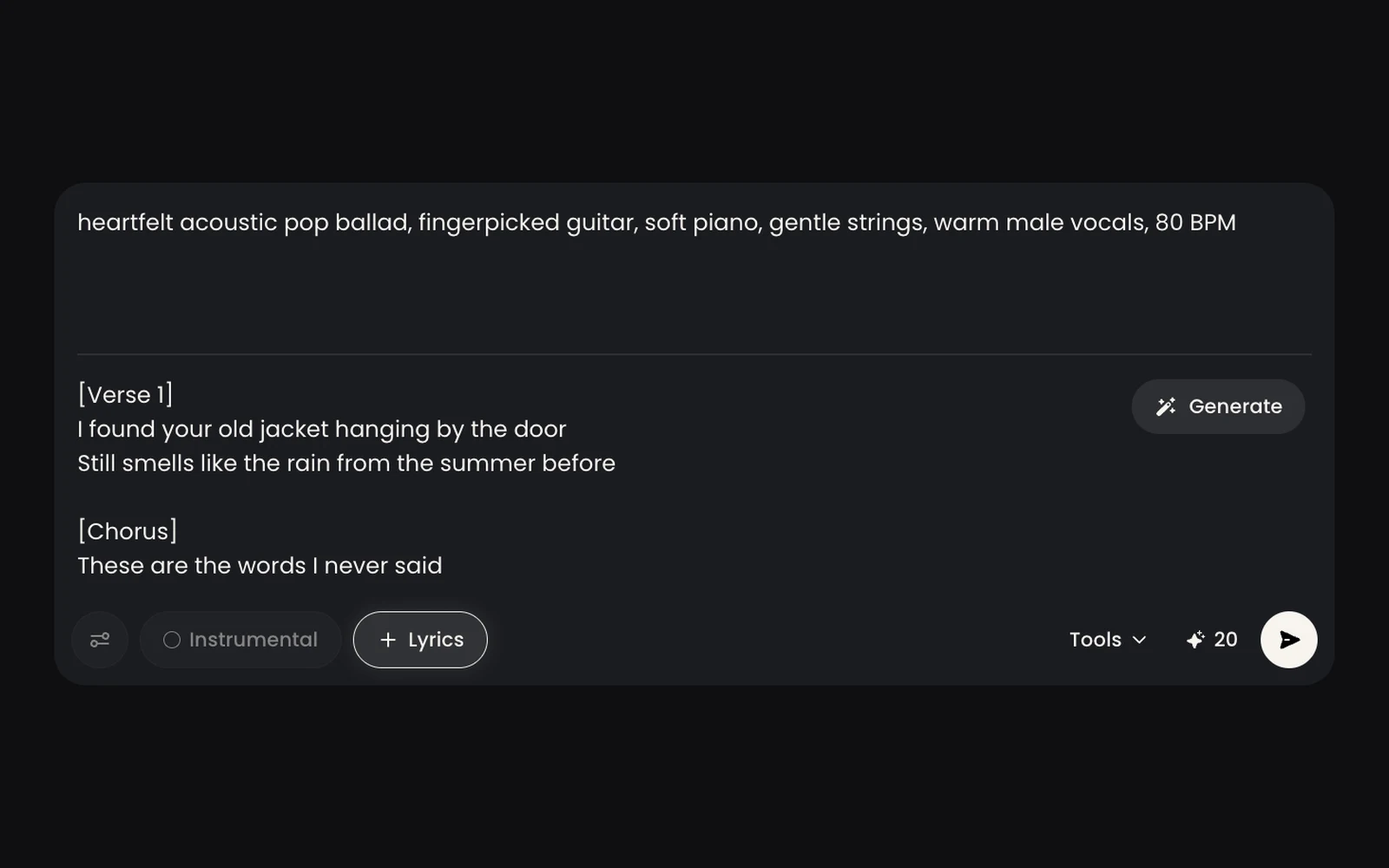
Open Pro Controls to add a title and set Weirdness and Style Influence, which apply when Lyrics or Instrumental is on. Each generation uses 20 credits and returns 2 songs.
Keep the better take, then Extend it, Replace a 10–60 second section, or Remix the style. Download MP3 or WAV with cover art on a paid plan.
The handful of settings that shape a song, and the limits worth knowing before you generate.
Up to 500 characters covering genre, mood, instruments, tempo, and what the song is about. Leave Lyrics off and the AI writes the words for you.
Turn on Lyrics to paste up to 5,000 characters with tags like [Verse] and [Chorus]. The description box then becomes a 1,000-character style box.
Creates music with no vocals for videos and podcasts. Like Lyrics, it turns the description box into the style box.
Two Pro Controls sliders from 0 to 100%. Style Influence follows your style text more closely; Weirdness makes melodies less predictable. Both apply when Lyrics or Instrumental is on.
Every generation costs 20 credits and returns 2 different versions to compare. If a generation fails, the credits come back automatically.
Length follows your lyrics rather than a setting. Extend a song from any point to make it longer, or Replace a 10 to 60 second section with new lines.
How experienced creators write prompts that work, and what to do when a song comes out wrong.
Use 4–6 comma-separated descriptors with the main genre first: "indie pop, 80s synth, warm bass, female vocals, 100 BPM." Long genre lists blur the result, and conflicting tags get ignored.
Square brackets are instructions, not lyrics: [Intro], [Verse], [Chorus], [Bridge], [Outro]. Text in parentheses is sung as a backing vocal, as in "I'm coming home (coming home)."
Artist names are often ignored or blocked. Describe the sound instead, like "breathy female vocals." For a duet, add "male and female vocals" and tag sections such as [Verse 1: Male].
AI drafts overuse words like neon, echoes, and shadows. Swap them for real names, places, and memories, and keep lines a similar length so the melody flows.
If lyrics get cut off, trim to two verses and a chorus, or Extend from just before the cut with only the missing lines. If the song stops mid-phrase, end your lyrics with [Outro] and [End], or [Fade Out].
Spell it the way it sounds, write numbers as words, and skip abbreviations. Then Replace just that 10 to 60 second section instead of regenerating the whole song.
Pick a use case to hear what it sounds like, see the setup behind it, and start from the same prompt.

Vlogs, tutorials, and product videos need music that sits under narration instead of fighting it. This example is an instrumental travel-vlog bed: Instrumental on, with the mood and tempo described in the style box.
light upbeat acoustic background music for a travel vlog, ukulele, acoustic guitar, soft handclaps, glockenspiel, happy carefree mood, 110 BPM
Start with the free AI music generator to hear your ideas. Upgrade for royalty-free AI music with a commercial license, downloads, and more songs every month.
| Feature | Free | Paid plans |
|---|---|---|
| Songs | 2 songs to try | From 200 songs per month |
| Songs with vocals or instrumental | Included | Included |
| AI lyrics generator | Included | Included |
| Commercial license | Not included | Included, for royalty-free use |
| Downloads | Listen online only | 1,000 per month on Starter, unlimited on Hobby and up |
| File formats | Not available | MP3 and WAV with cover art, no watermark |
| Extend, replace, and remix | Not included | Included |
| Support | Not included | Email support |
Describe your song, get two versions, and upgrade when you're ready to publish.


