
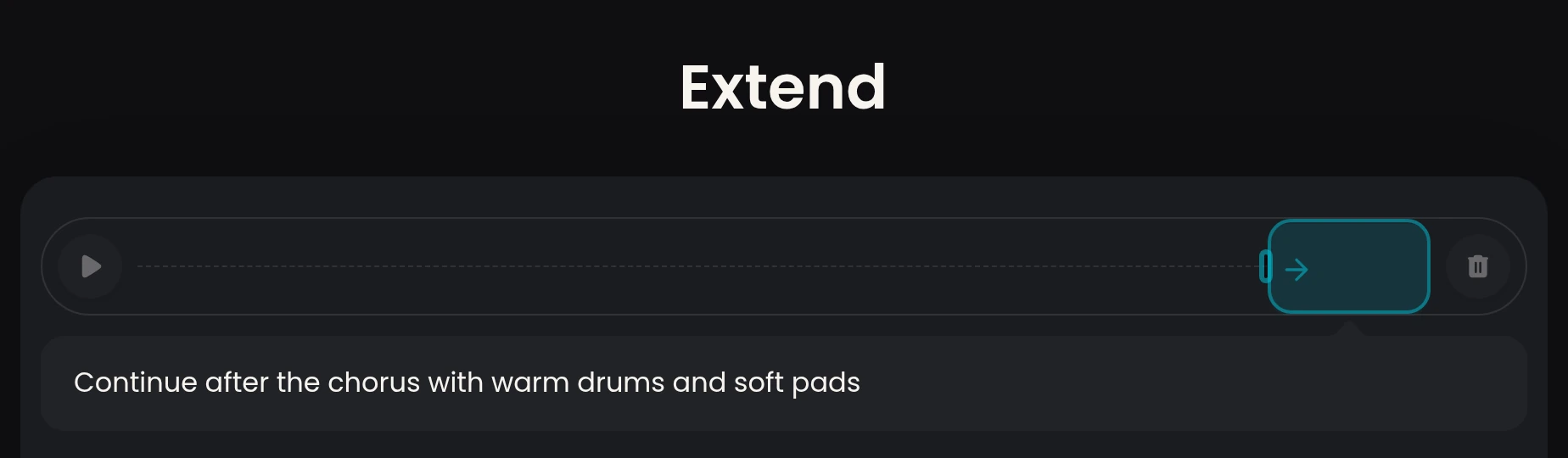
After the chorus
A clear mark for the new stretch.
Mark a point in your version. Continue generating from there so you hear the new stretch of your song.
Extend your audio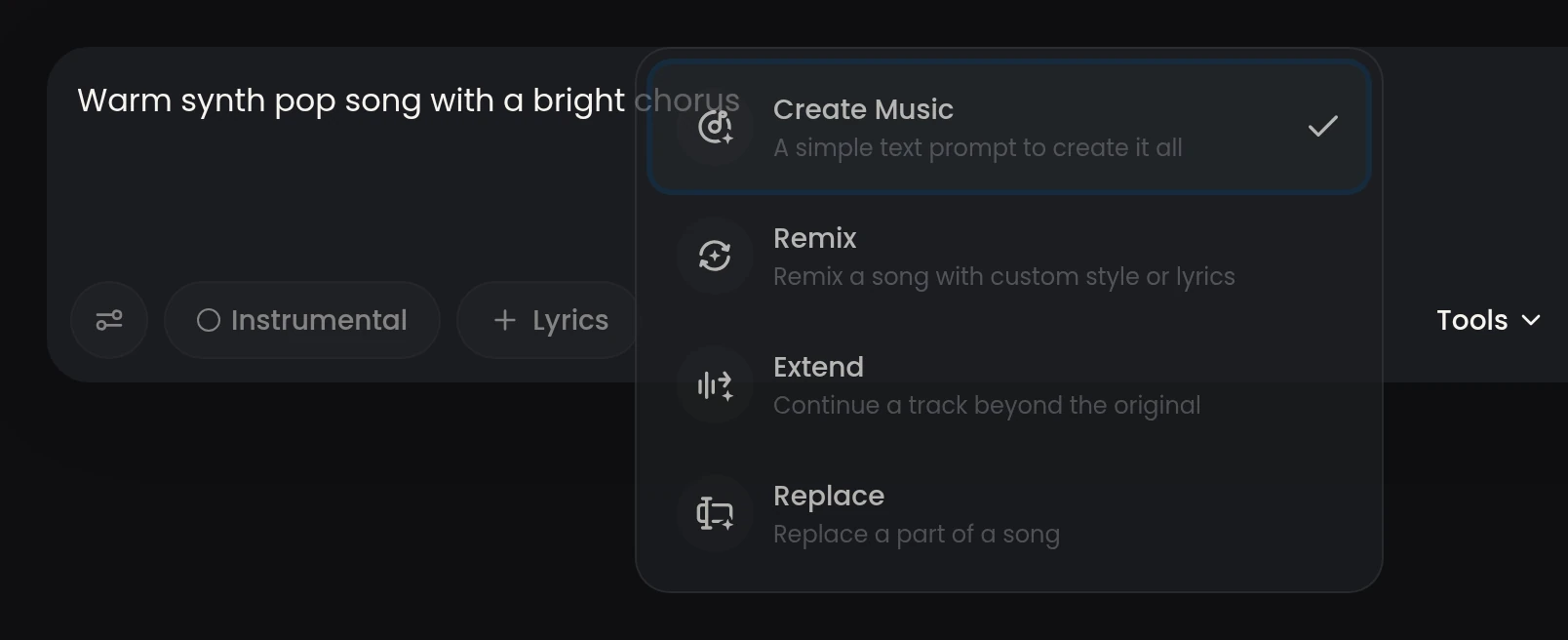
Choose mid-song, after a chorus, or near the ending.
The new stretch grows from the point you marked.
Each Extend returns two stretches you can save.
1
One clear spot starts the new stretch.
2
Every Extend returns two versions to compare.
100
The demo version sits at a soft-pop pace.
A podcaster marks the spot right after the chorus, extends it, and uses the new warm-drum stretch to carry the closing segment of the show.
Explore the scene examples, then play Version 1 and Version 2 to compare them.
A clear mark for the new stretch.
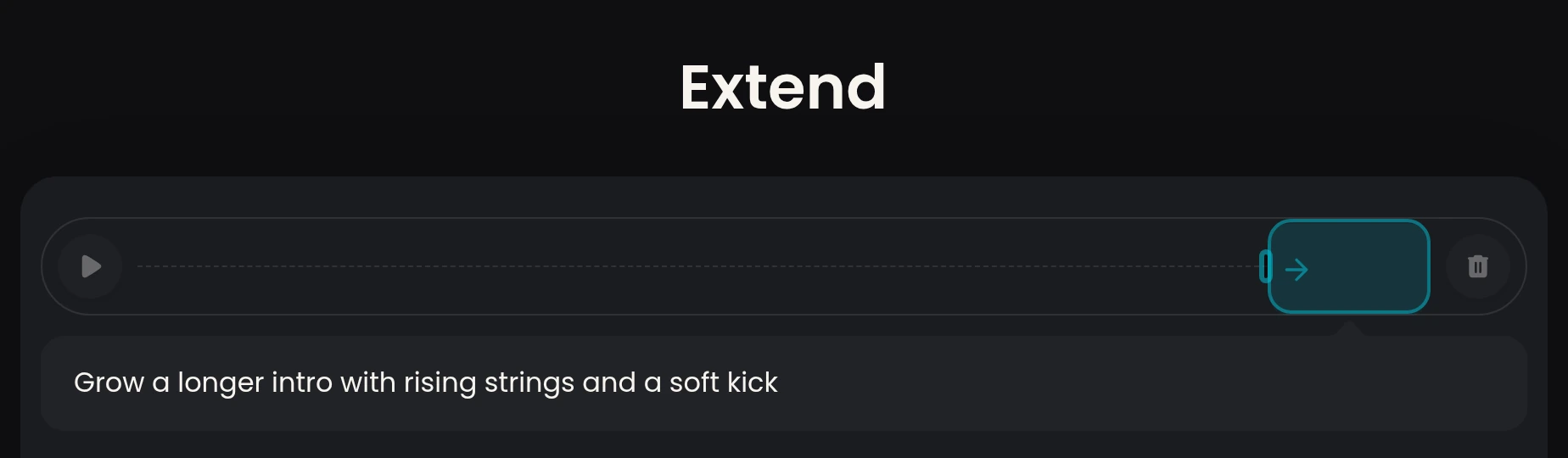
A clear mark for the new stretch.
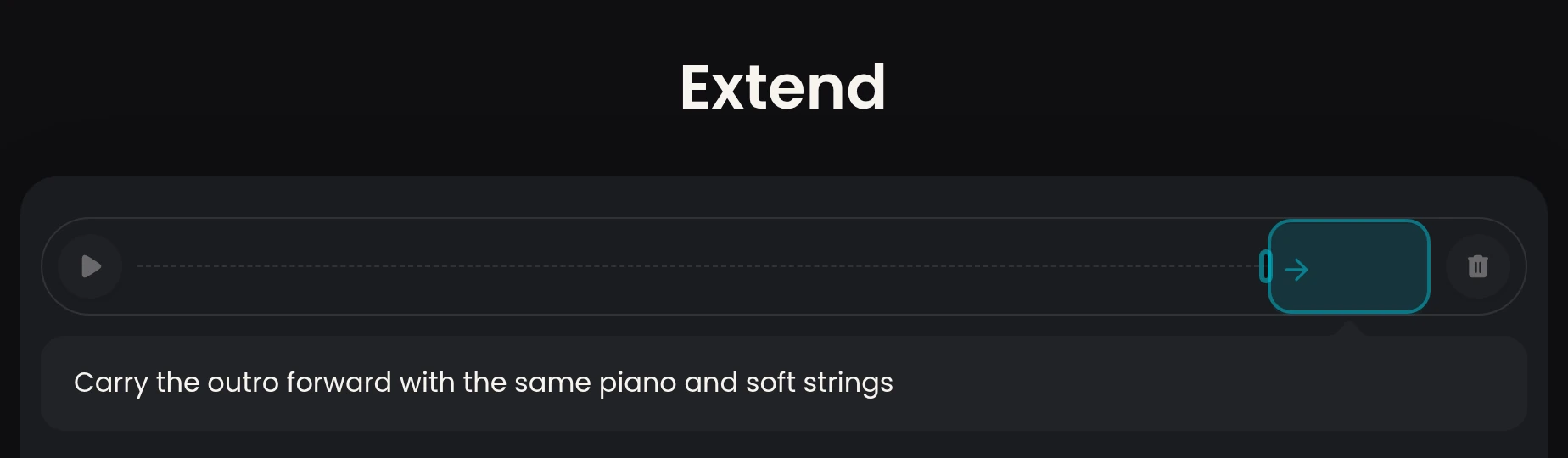
A clear mark for the new stretch.
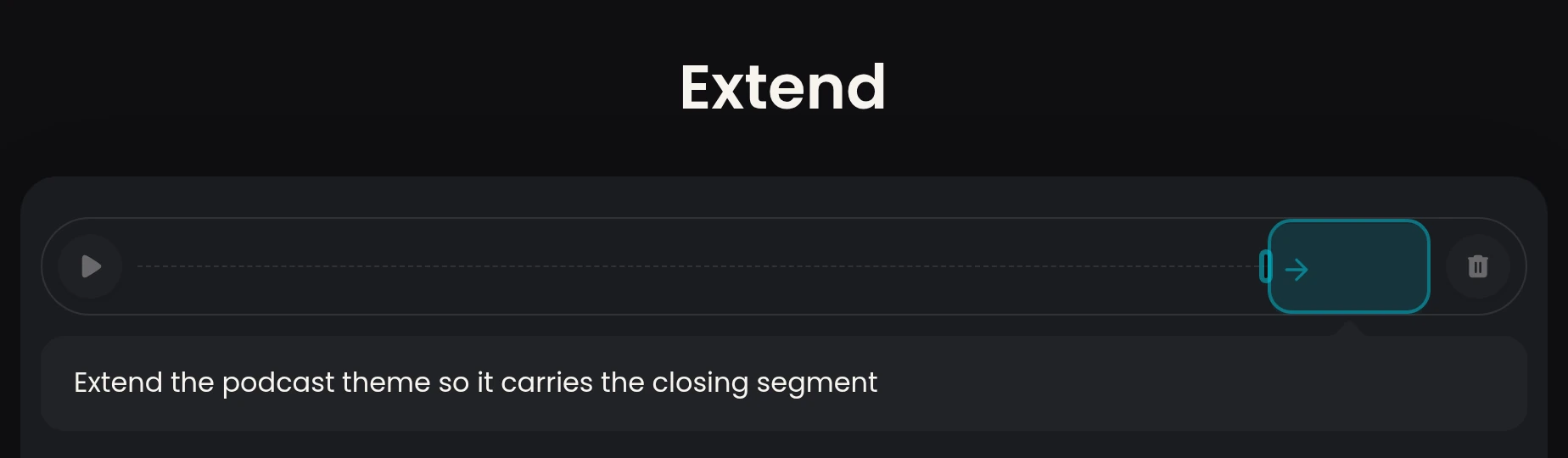
A clear mark for the new stretch.
Open the song you want to continue.
Choose where the new stretch should start.
Describe the voice you want in the prompt, or turn Instrumental on.
Compare both continued stretches and save one.
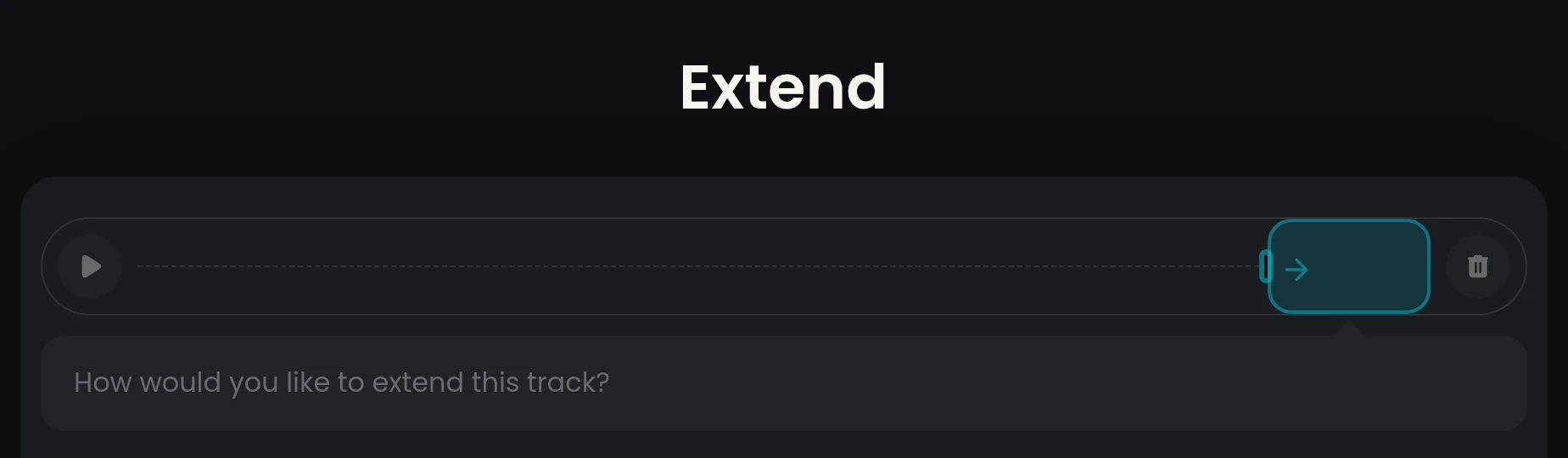
You mark a point in your version and continue generating so the new stretch grows from that spot.
Mark any point you choose: mid-song, after a chorus, or near the ending.
Open a song in the song library, mark a point and press Extend to start.
Turn Instrumental on before you continue and the stretch stays fully instrumental.
Each Extend returns two continued versions of your song.
Your versions land in the song library, ready to replay or share.
AI audio extender continues your version from the spot you choose.
Extend your audio